
Time of day Call Routing provides the ability to direct callers to appropriate teams at specific times of the day. This can include times such as Business Hours, After Hours and Special Event Hours.
- Log in to the Platform
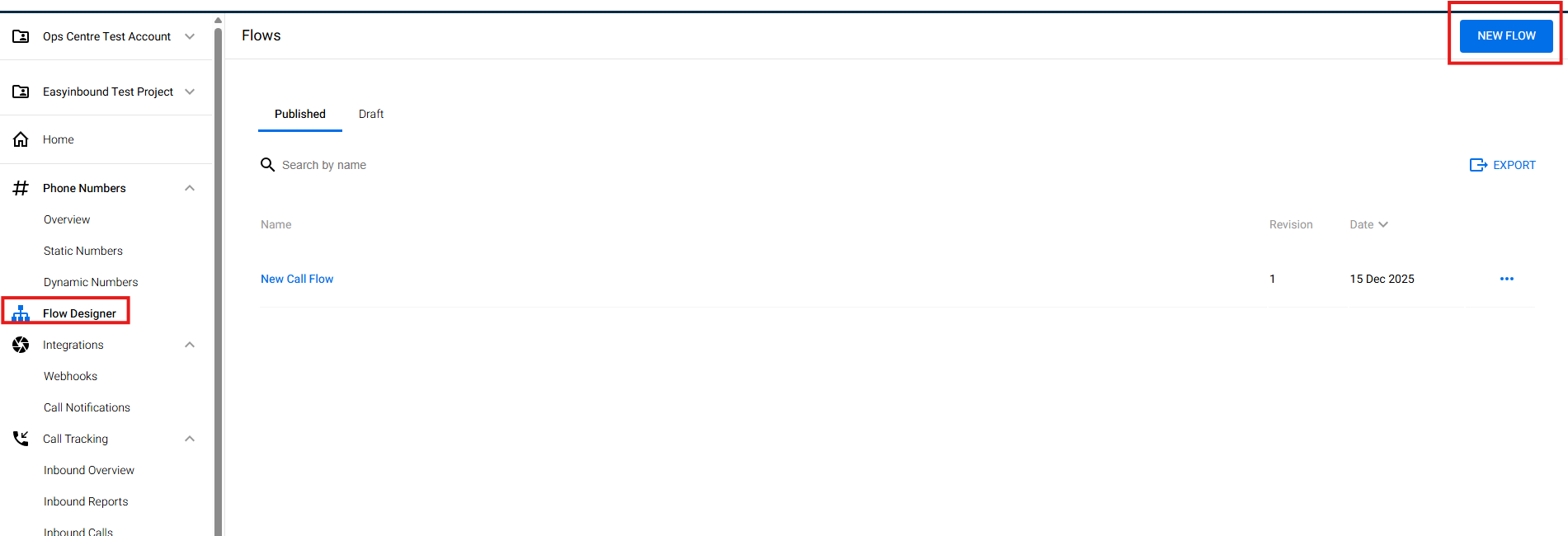
- Go to Flow Designer and click New Call Flow
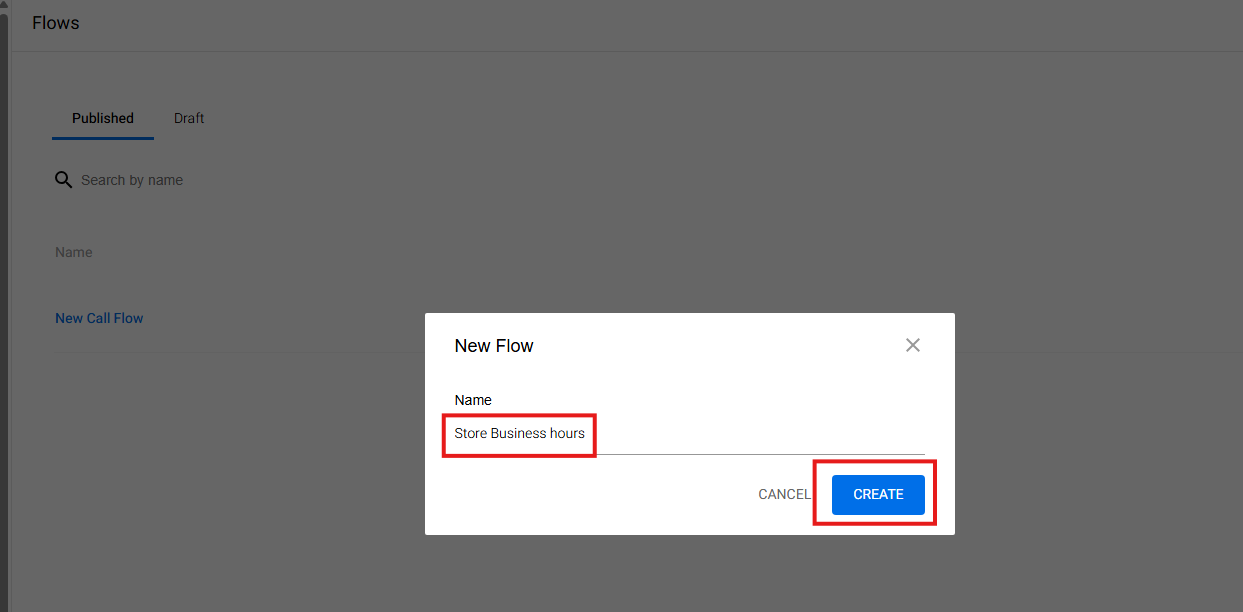
- Fill in your desired name of the Call Flow and hit Create
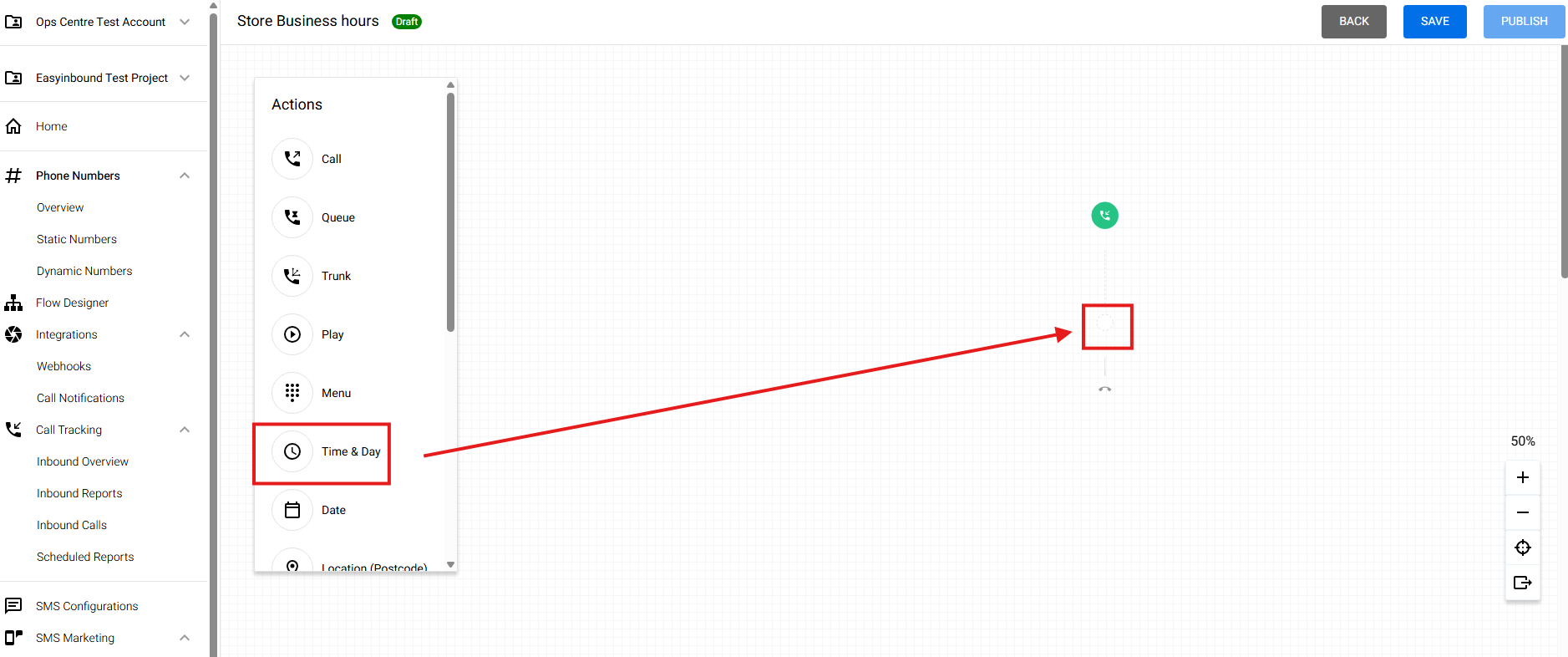
- For Time and Day, Select Time & Day call node
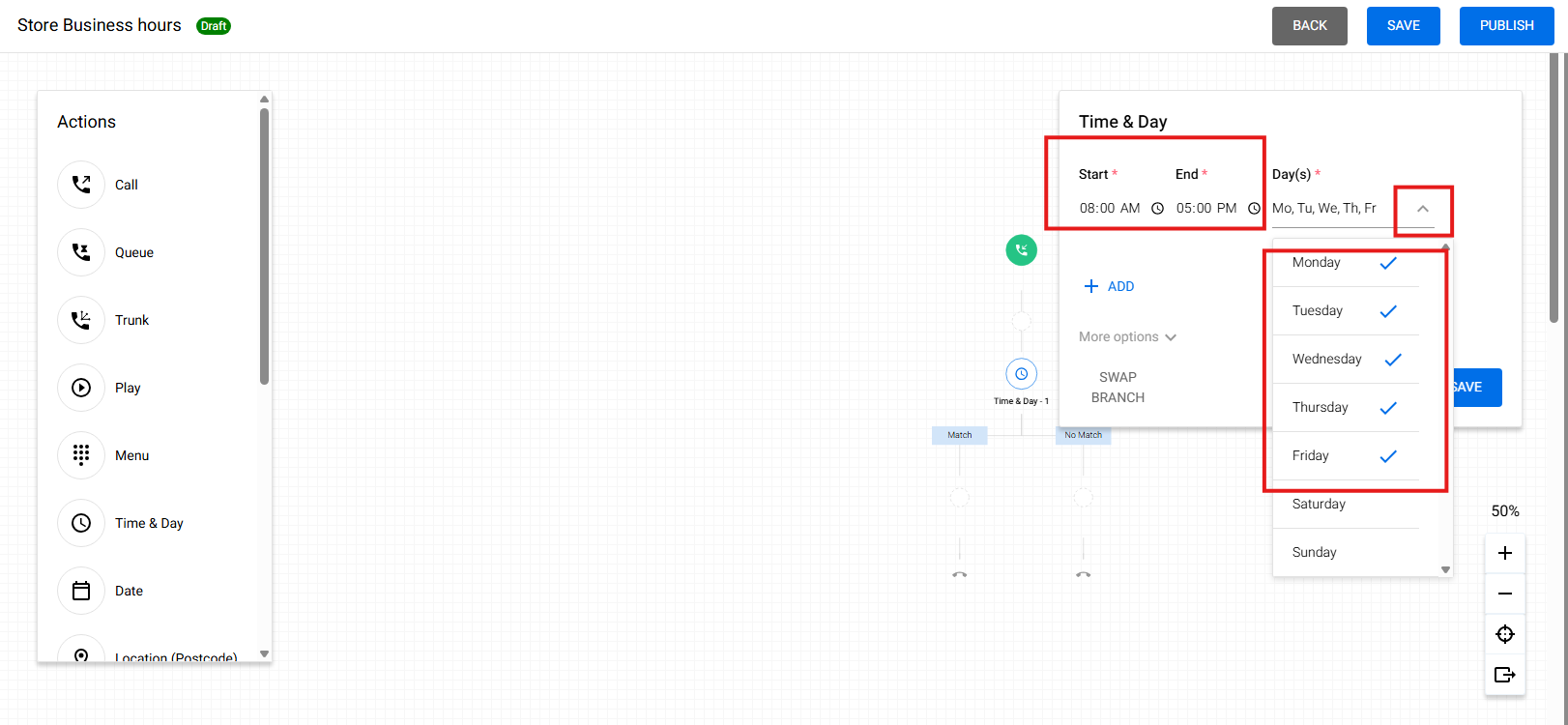
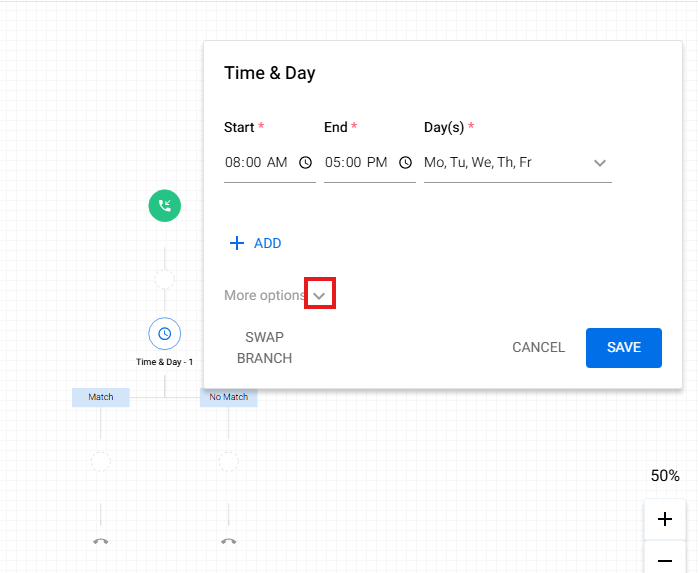
- Fill the time fo the days of the start of your business, drop down and select the days where the set up time should apply
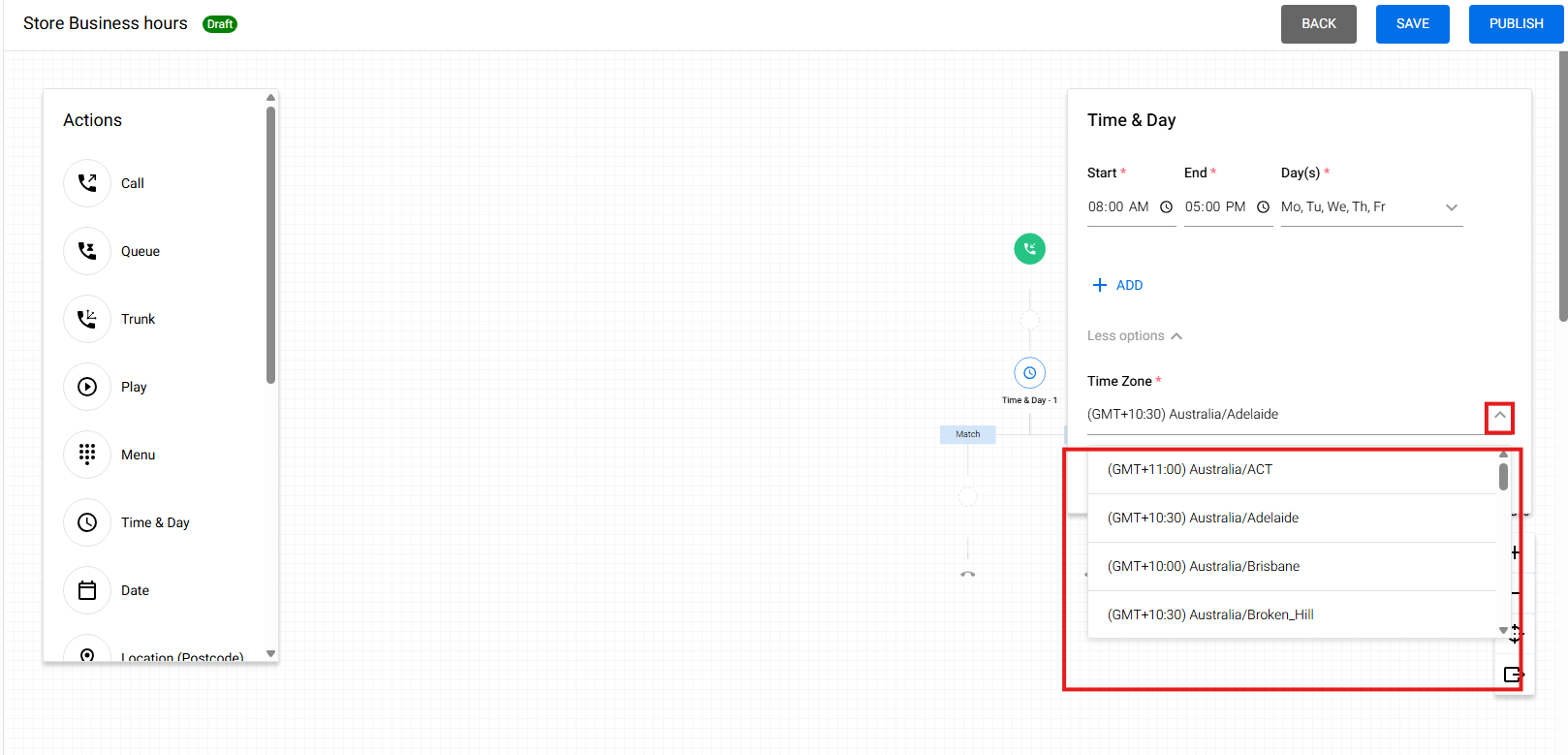
- Drop this down to make sure the time zone is correct
- Drop down and select your Time Zone
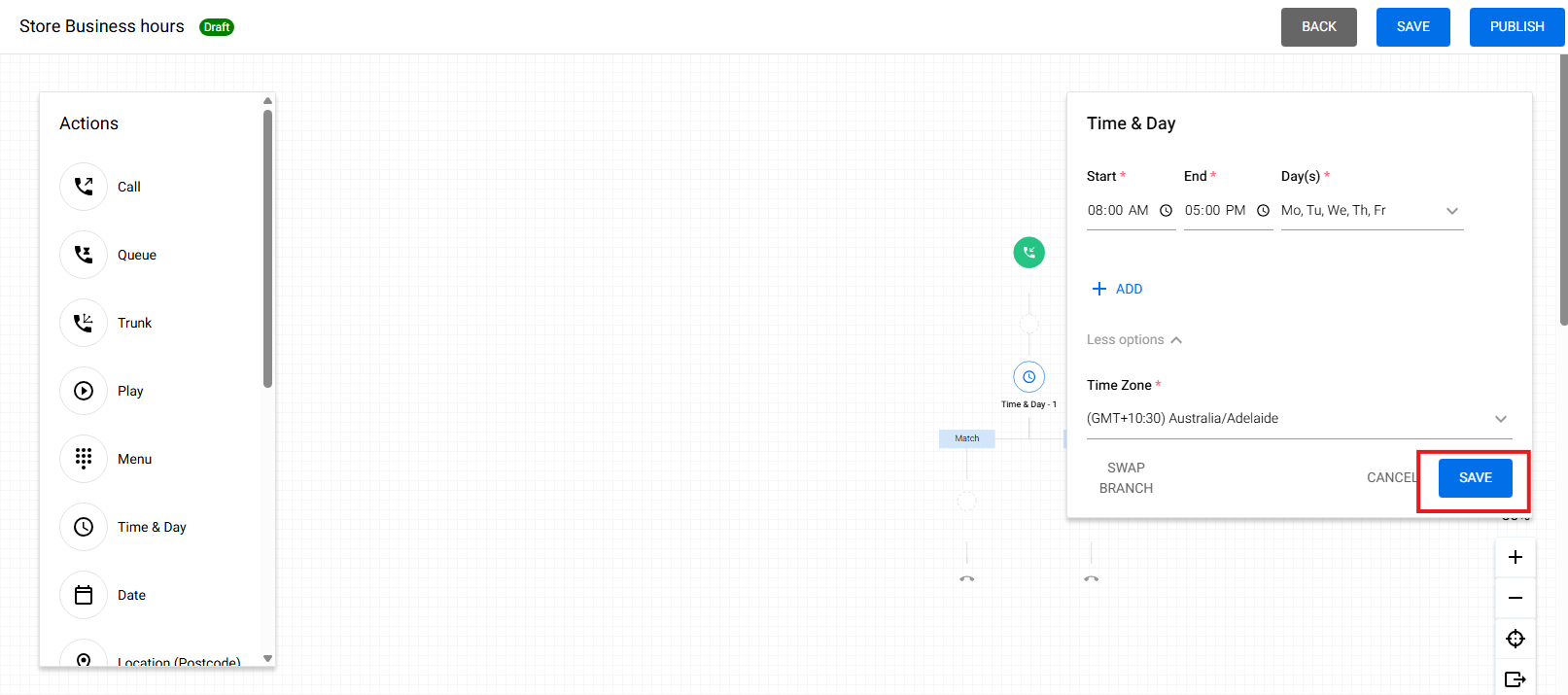
- Hit Save
- Drag and Drop the Call node under "Match". This will follow the assigned Time and Day
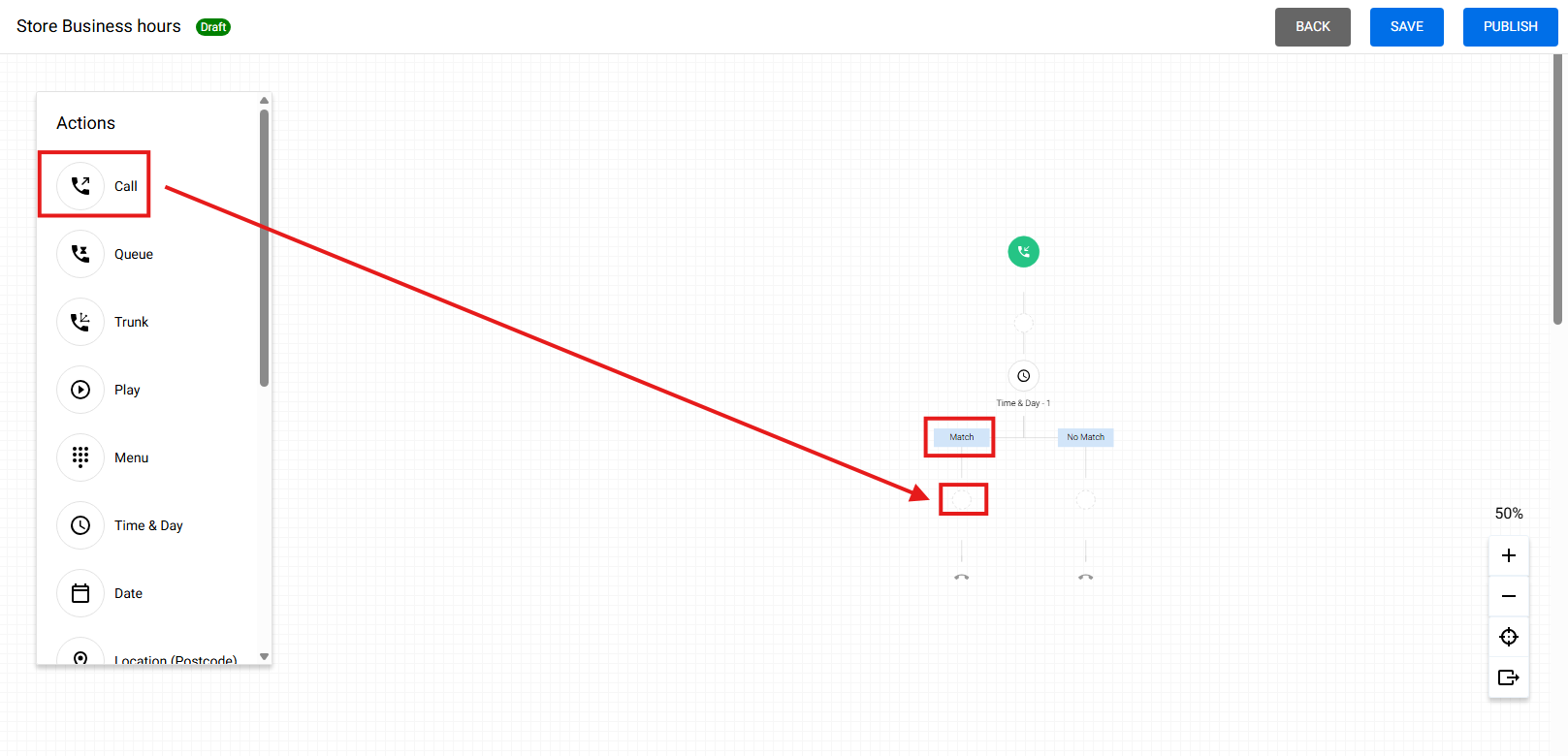
- Put the Answering or Termination point and hit Save
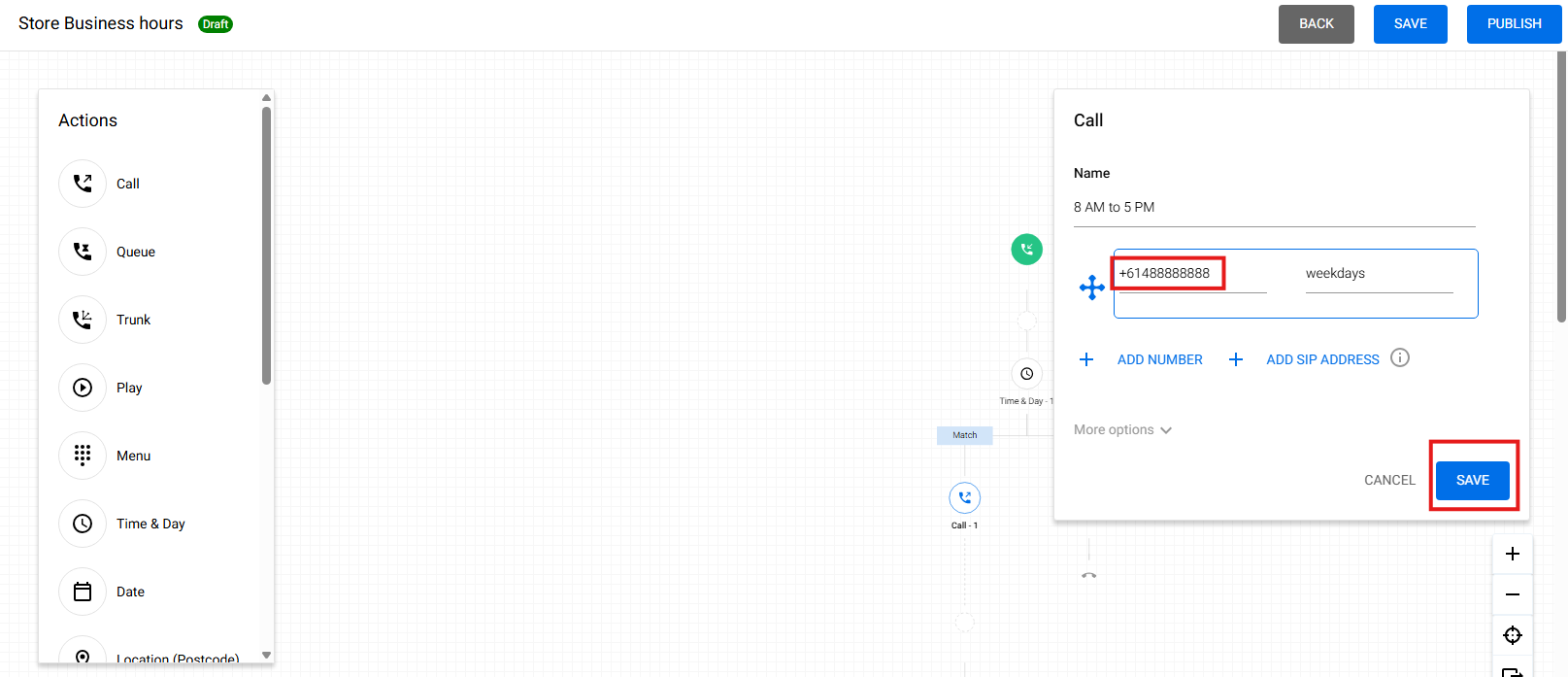
- Under the No Match, in this example, we select the voicemail. Refer to "Set Up Voicemail" for setting up a voicemail. This would mean that from 4:59 PM on Fridays until 7:59 AM on Mondays, incoming calls within these time frame will go to your voicemail
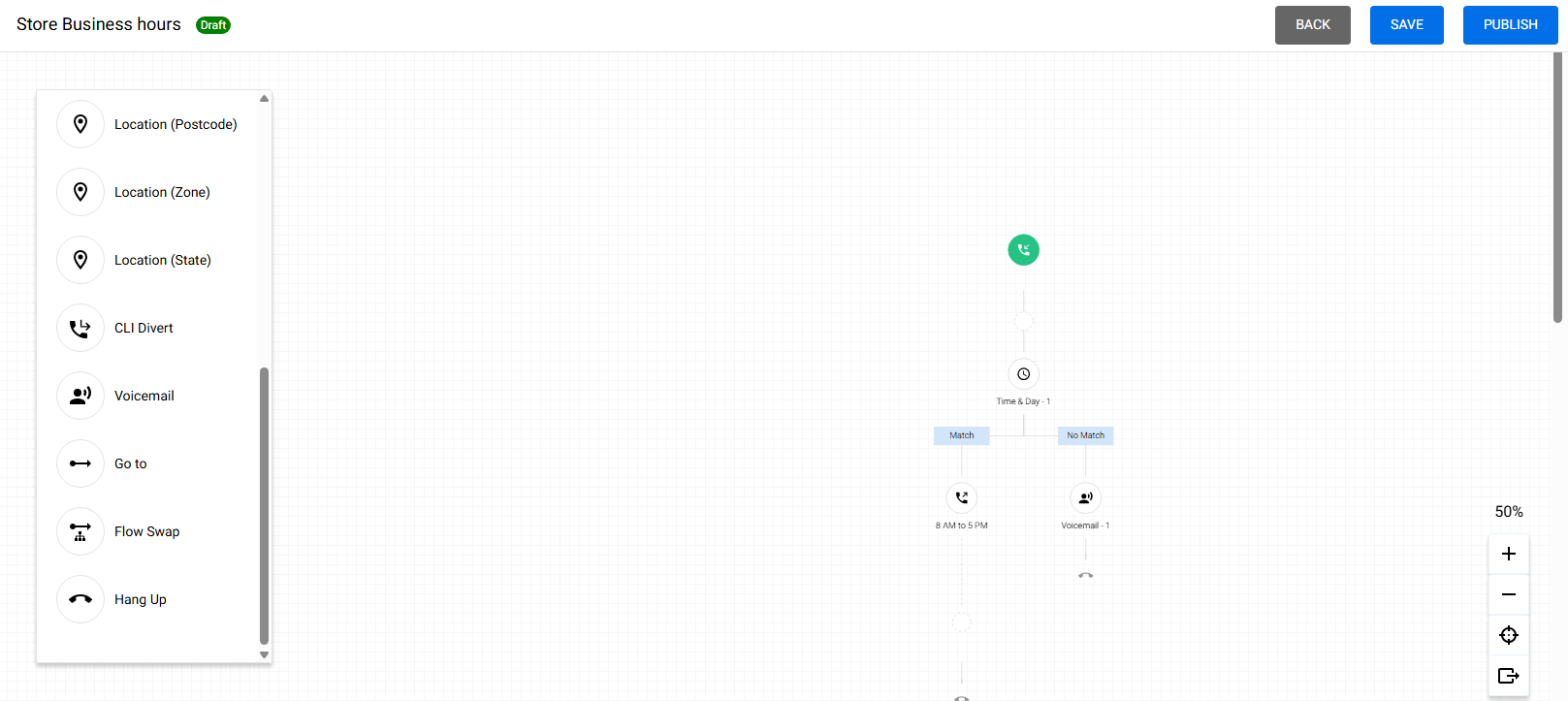
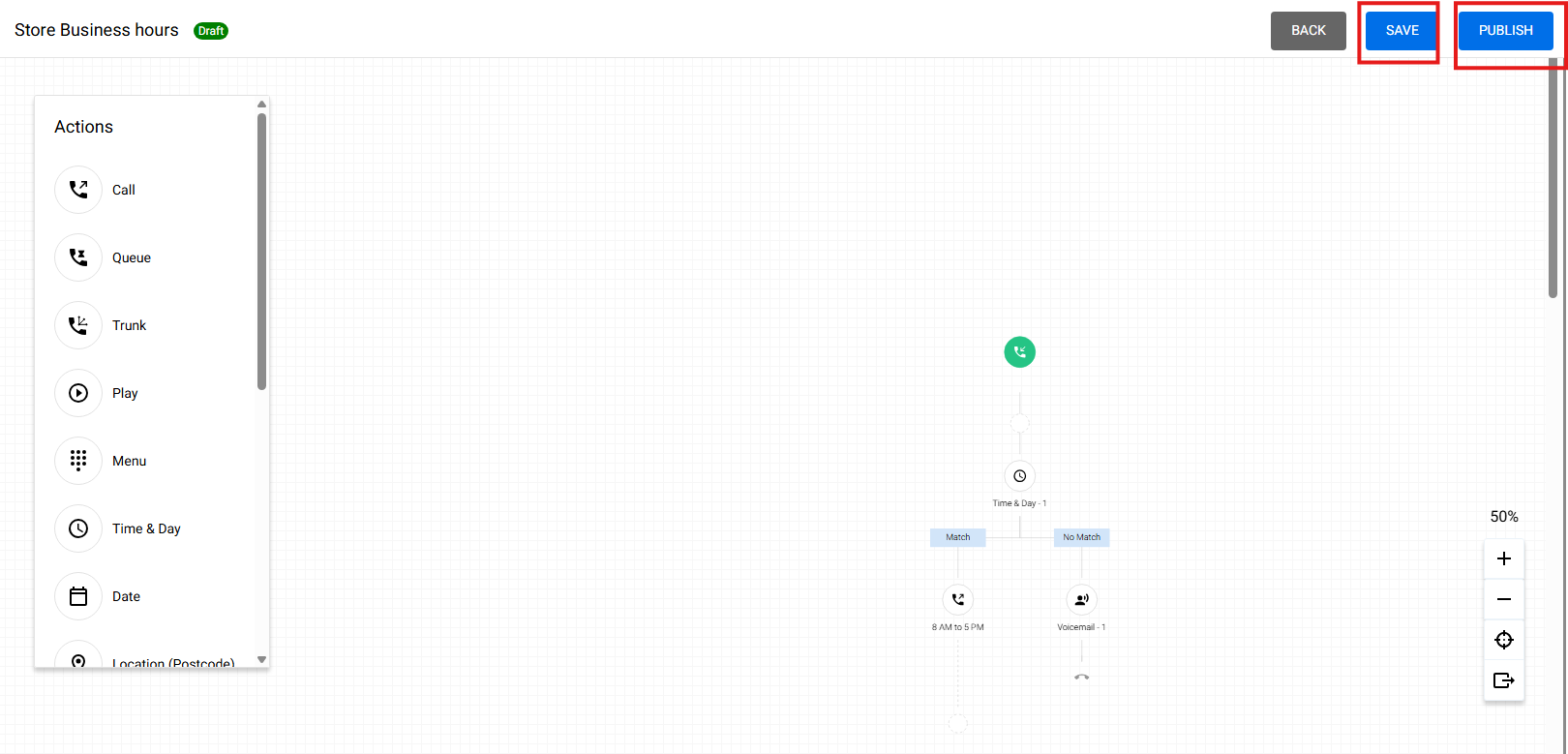
- Hit Save and Hit Publish
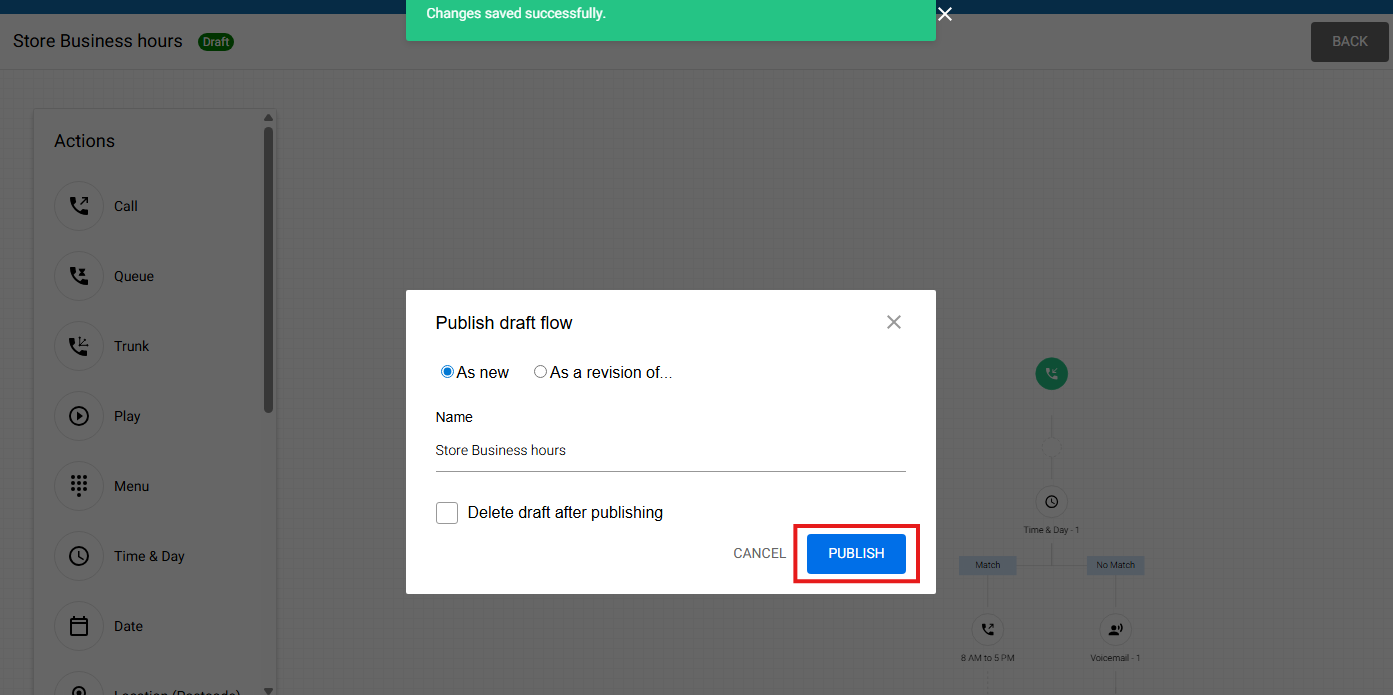
- Hit Publish again
- Refer to "Assign a Created Call Flow" to assign a newly created call flow to your number
- Test the call flow by calling your number both business and outside business hours