
After creating your call flow, you will need to assign it to your number accordingly.
- Log in to the Portal
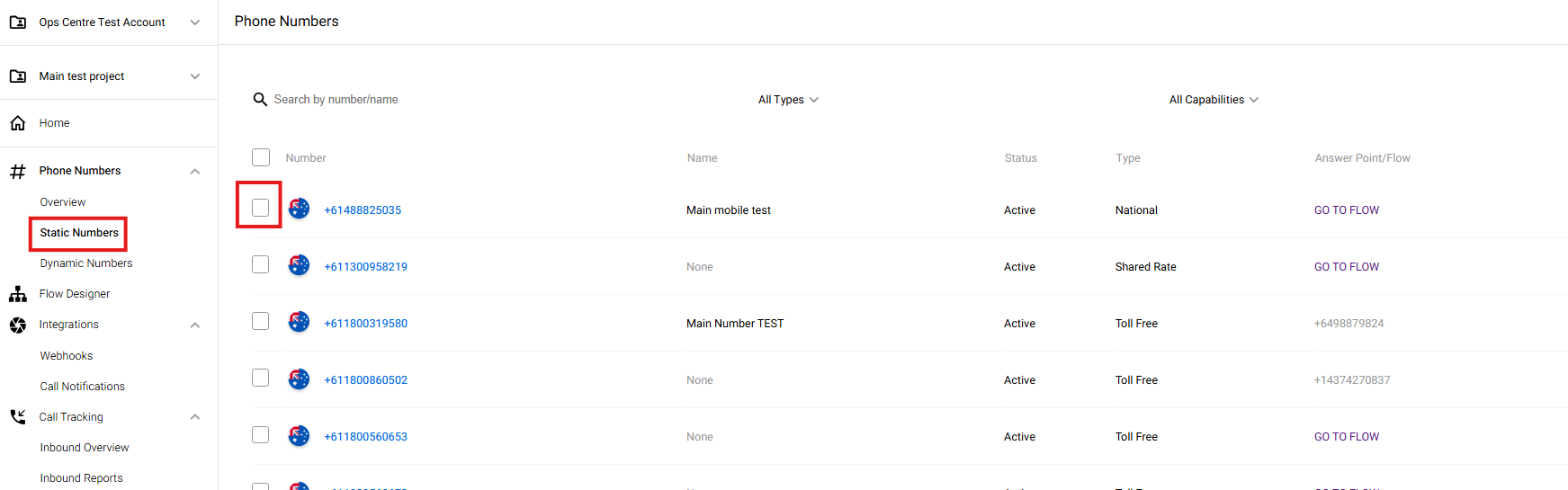
- Go to Static Numbers and tick the box of the selected number
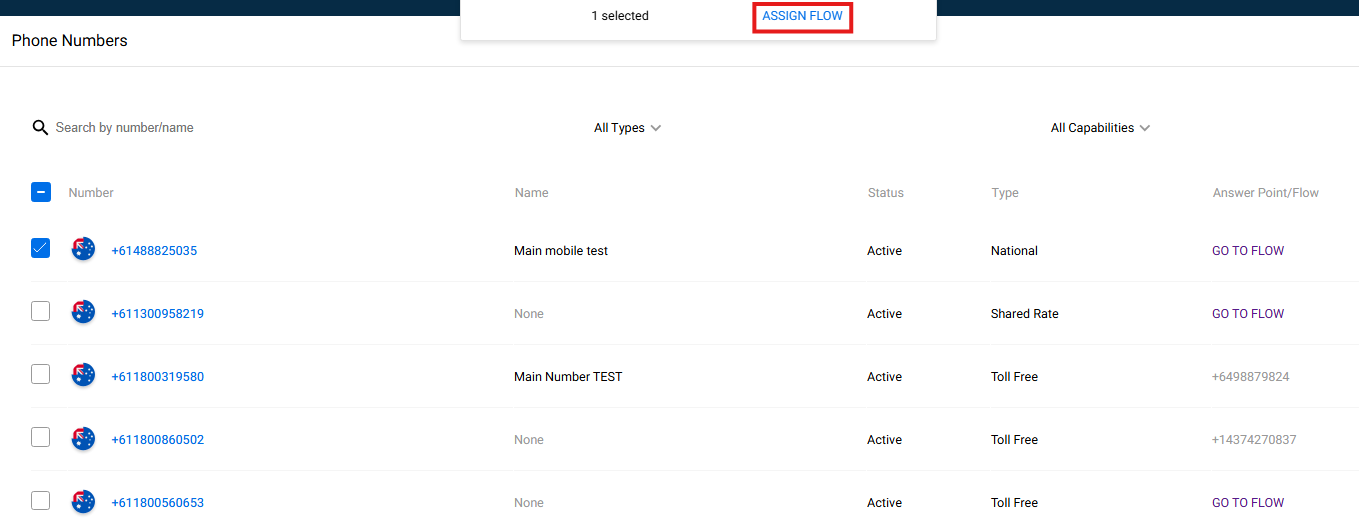
- Click Assign Flow
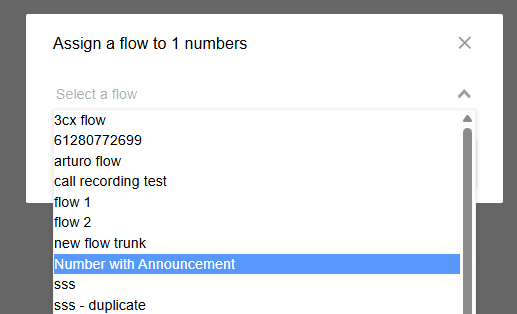
- Drop down and select your flow
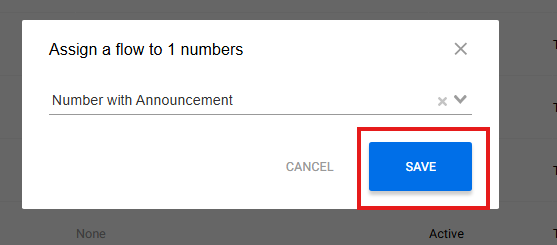
- Hit Save
- Tet the flow by calling your number