This is a guide on how to simply set up a voicemail by creaing a simple call flow.
1. Scroll down to "Flow Designer"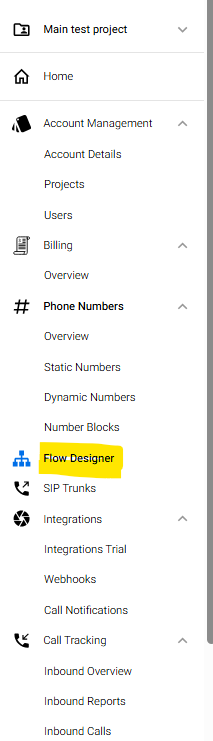
2. Click on "New Flow"

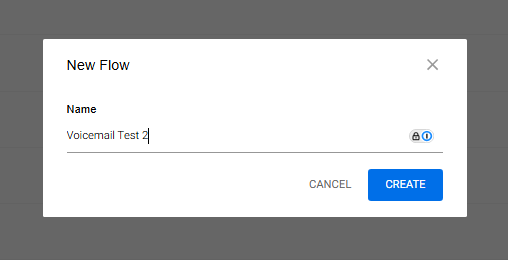
3. Name your flow and hit "Create"
4. Drag and drop the "call node" as seen in the photo below, enter the email address, subject and hit save.
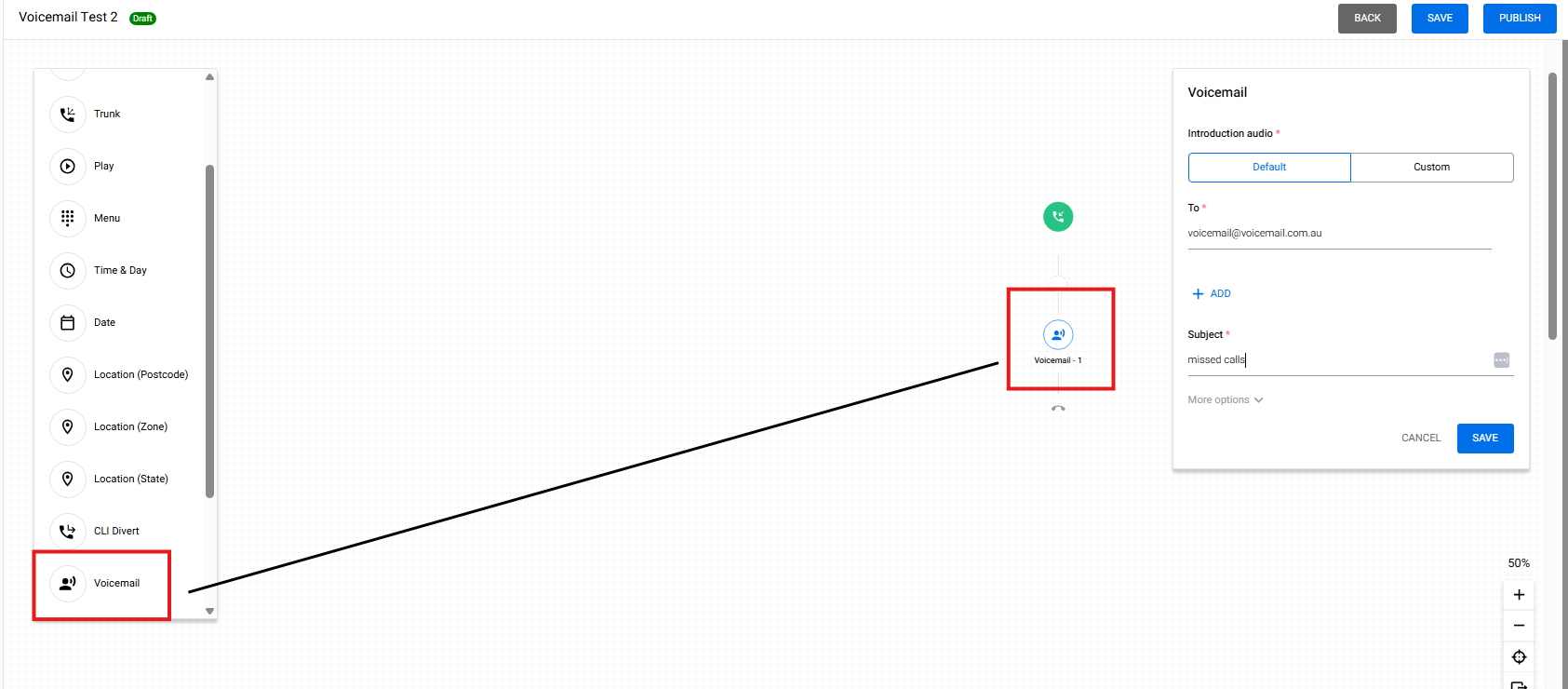
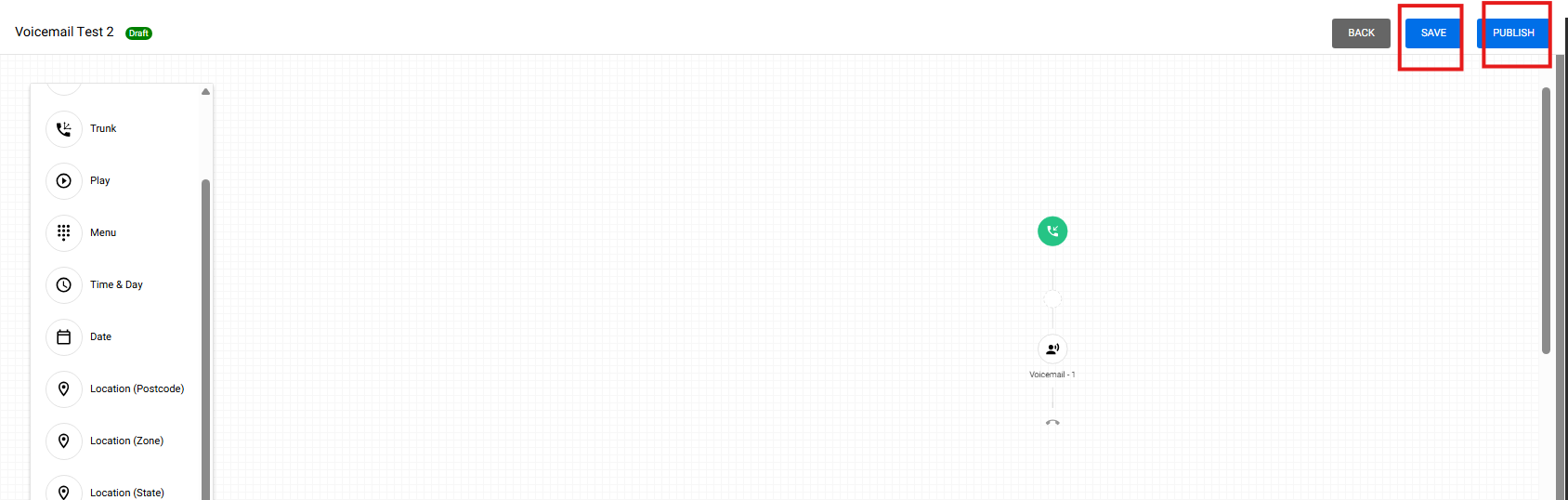
5. Then hit, first, "save", second, "publish", as seen on the screen shot below
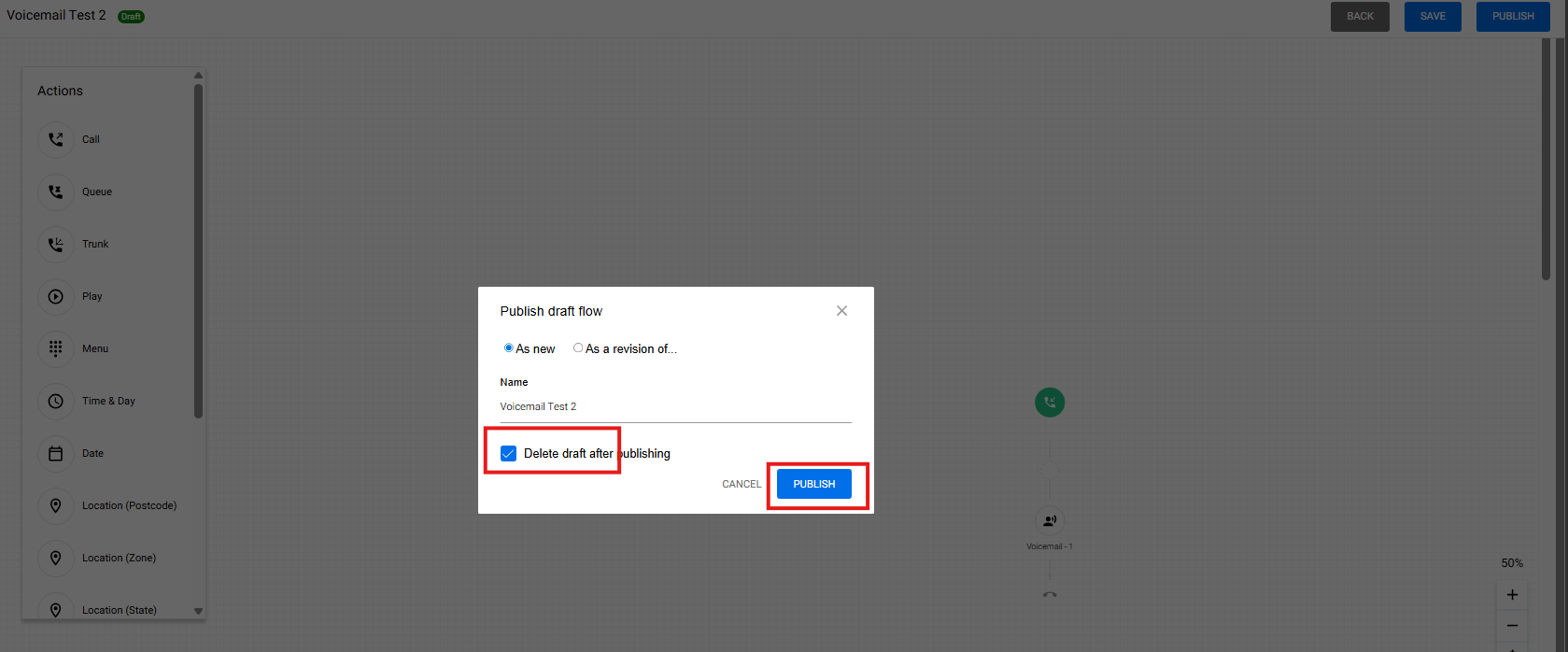
6. Then hit another "Publish" button.
7. You will now see the created call flow from the list.

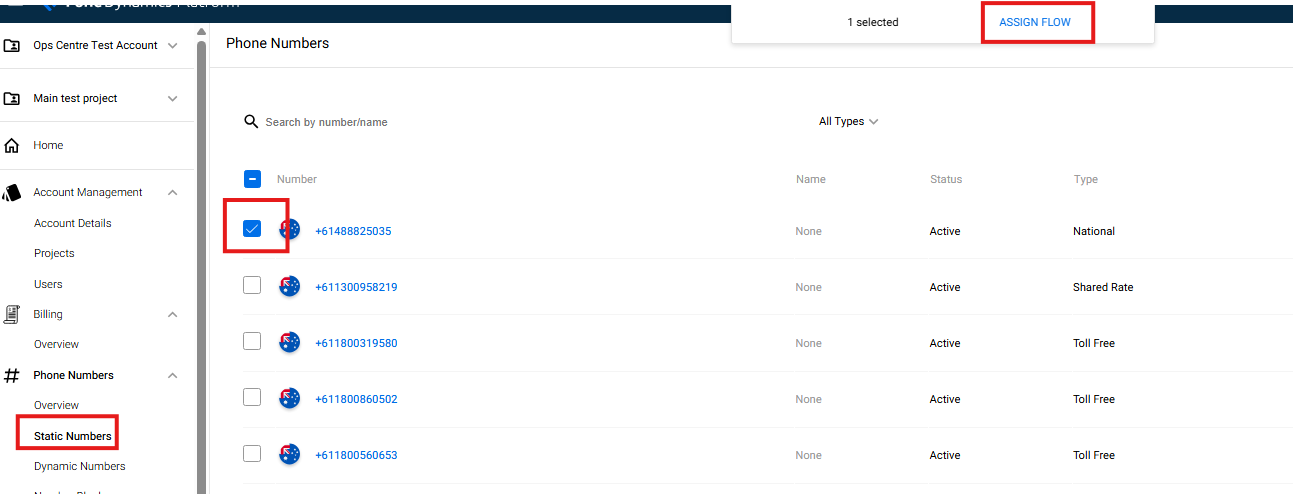
8. You will now need to assign the created call flow to your number. To do this, go to "Static numbers", select your number by checking the box and and hit the "assign flow".
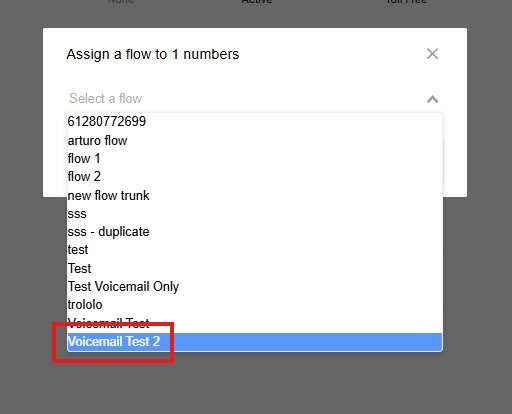
9. Select the name of the flow that you have created then hit "save".
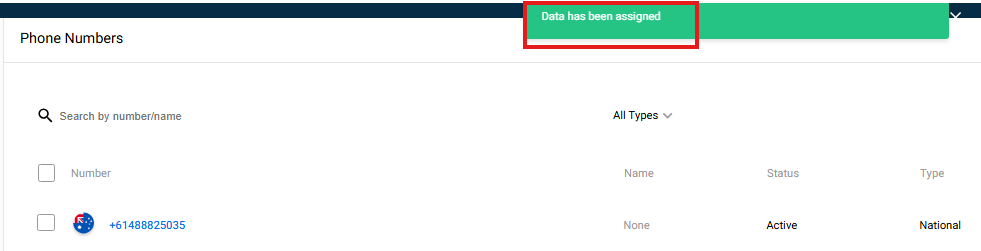
10. Once you have saved it, you will be prompted that the call flow has been assigned.