
Having a Call Flow on your numbers gives the ability to direct the calls to different answering points.
Some of the reasons why a call flow is created on a number are:
- Set up a voicemail
- Set up an announcement
- Set up an IVR
- Set up a Date and Time call flow
- and many more
Here is an example to set up your Basic Call Flow.
- Log in to your Platform
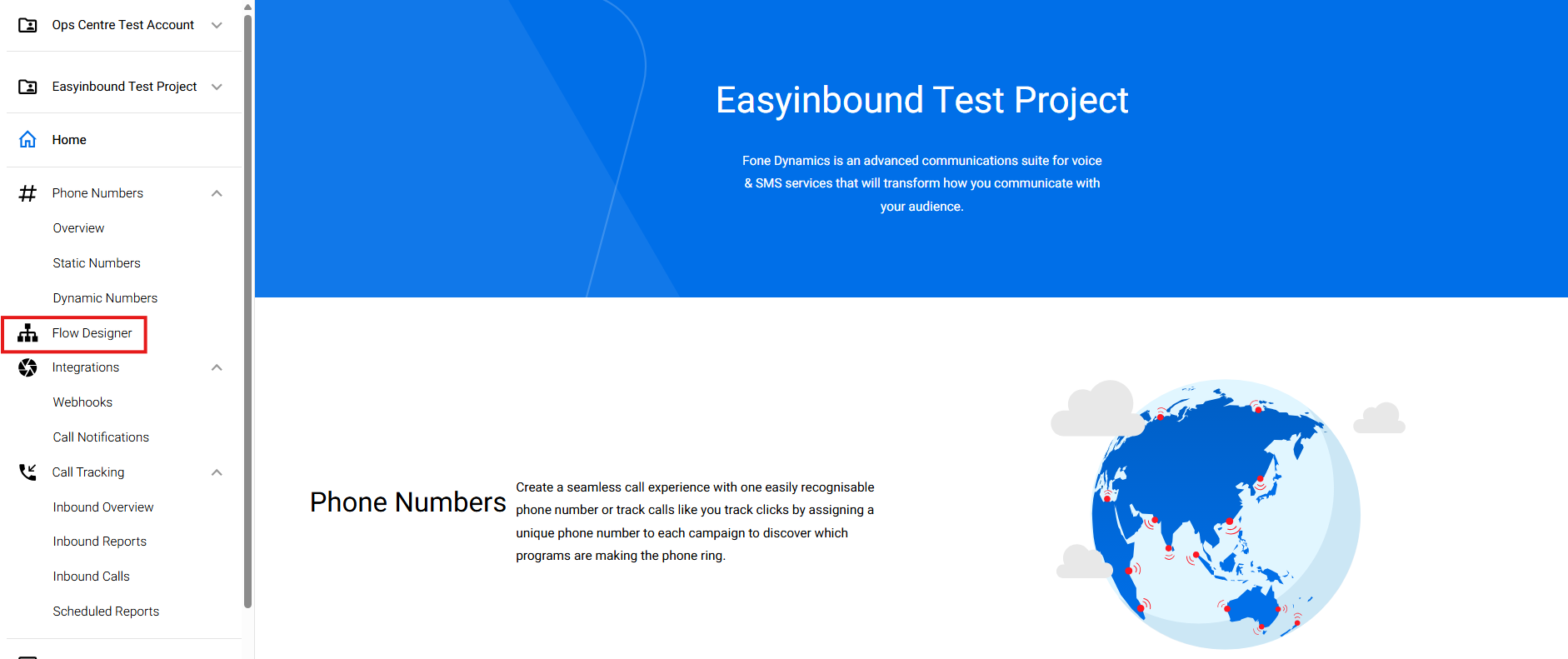
- Go to Flow Designer
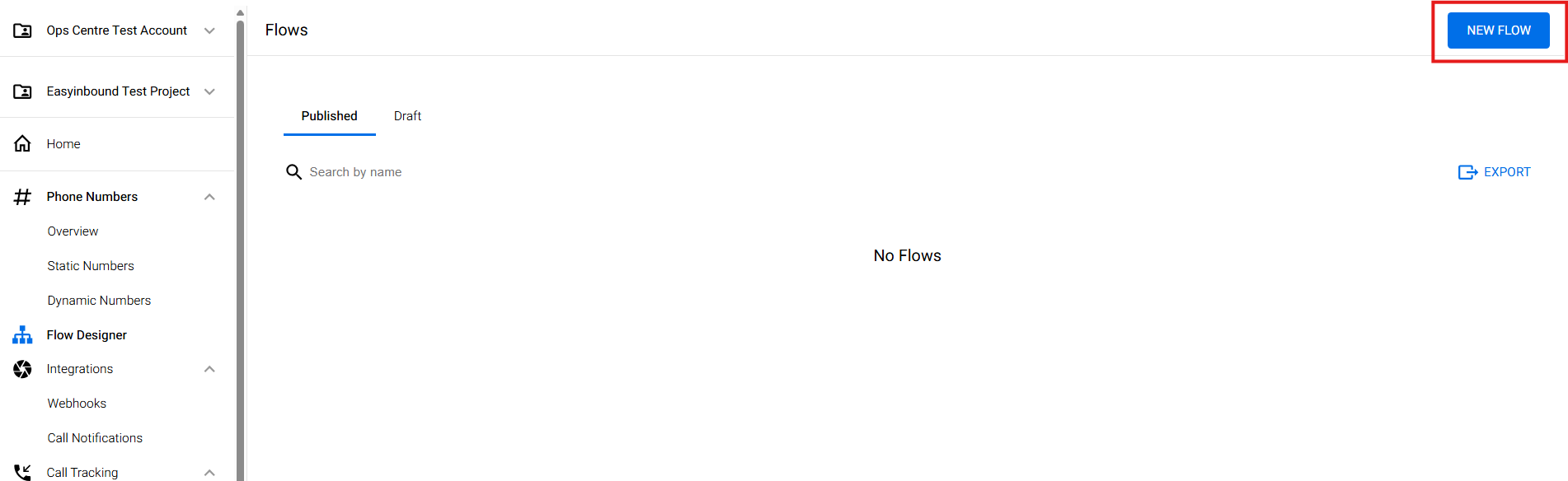
- Click New Flow
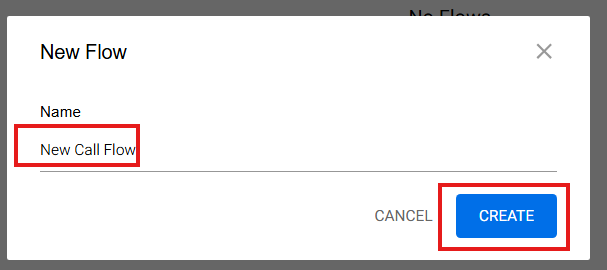
- Fill your desired name and Hit Create
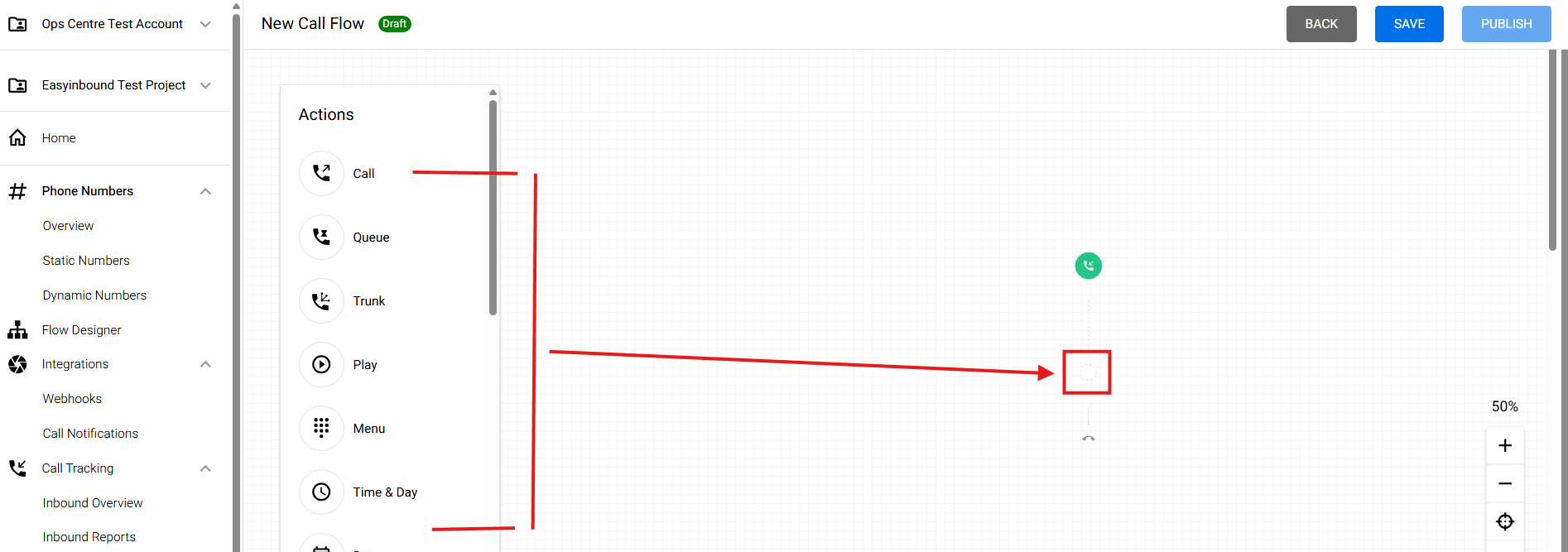
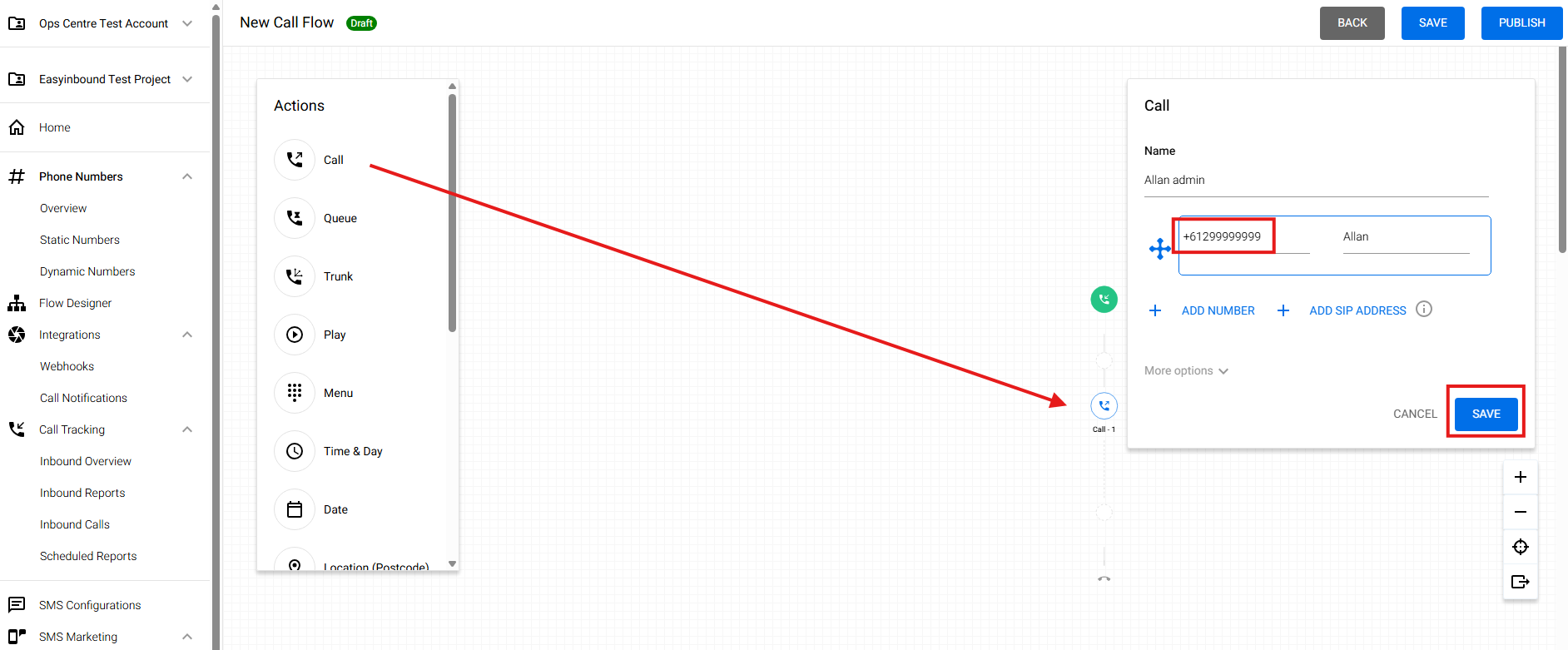
- Select from one of the Nodes listed and drag and drop them
- In this example, we selected a Call Node to set up an answering point to "Allan", then you may hit SAVE
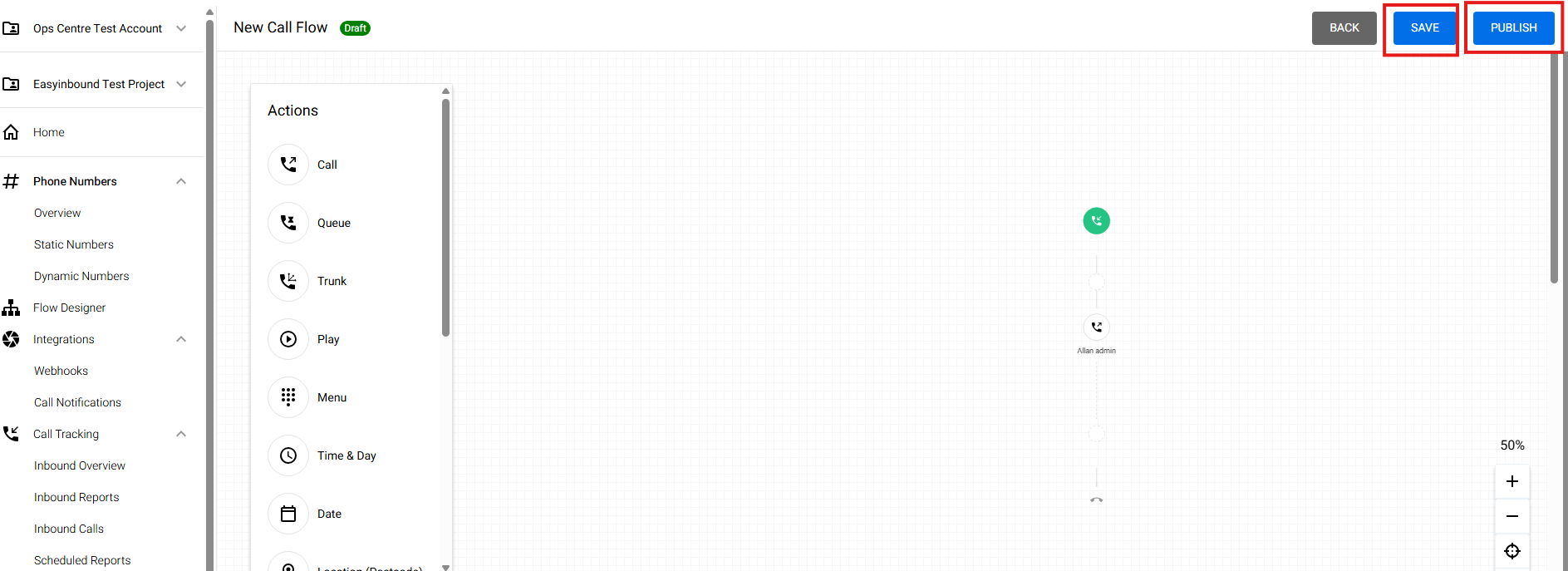
- Hit another Save and Hit Publish
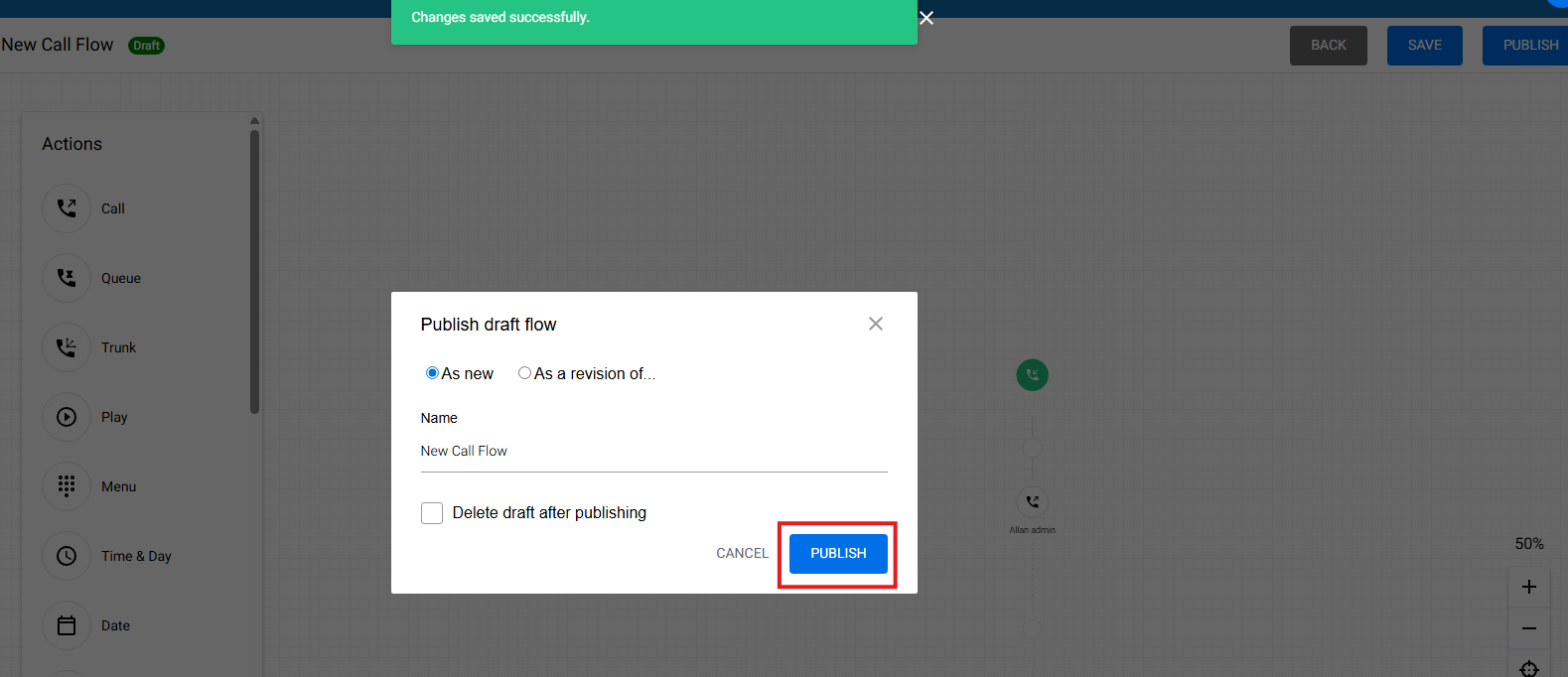
- Then Hit another Publish
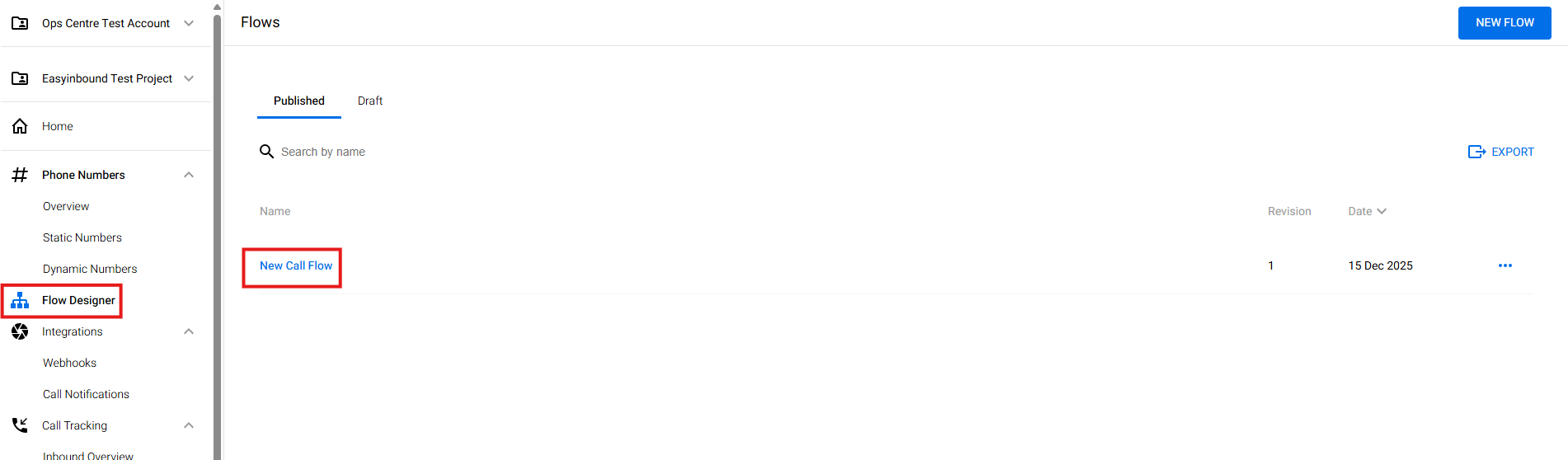
- Go back to Flow Designer and you can now see the newly created call flow
- Refer to "Assign a Created Call Flow" to assign the flow to your number